Abs · Body weight · Intermediate
How to do Power Point Plank
The power point plank is a dynamic core exercise that involves transitioning between a high plank and a forearm plank position, challenging core stability, shoulder strength, and coordination.
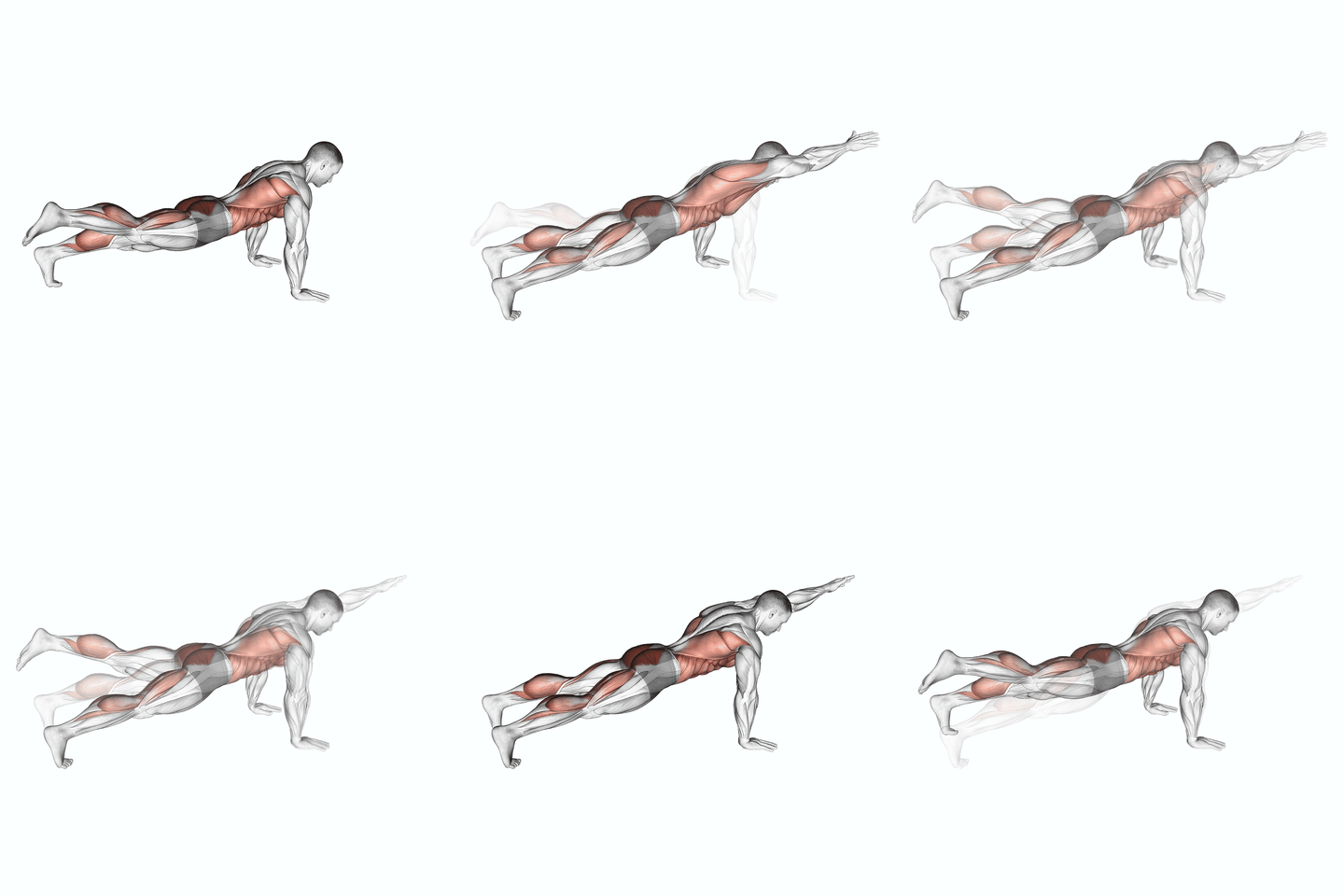
- Primary muscle
- Abs
- Equipment
- Body weight
- Level
- Intermediate
- Category
- Abs
How to do Power Point Plank, step by step
- Start in a high plank position with your hands directly under your shoulders and your body in a straight line from head to toe.
- Engage your core and squeeze your glutes to maintain a stable position.
- Lower your body down onto your forearms, one arm at a time, maintaining a straight line from head to toe.
- Hold this position for the desired amount of time, keeping your core and glutes engaged.
- To return to the starting position, push through your forearms and lift your body back up into a high plank position.
- Repeat for the desired number of repetitions.
Track Power Point Plank in SPLYT
Power Point Plank is already in SPLYT’s exercise library. Log your sets, reps and weight on iPhone or Apple Watch, with last time’s weights already filled in.
More ab exercises
 Prisoner Half Sit-upAbs · Body weight
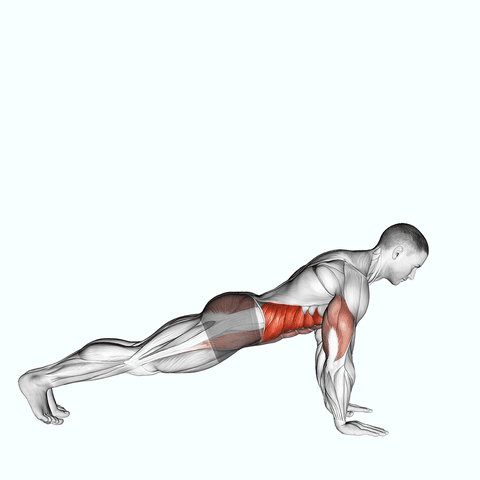 Push-up To Side PlankAbs · Body weight
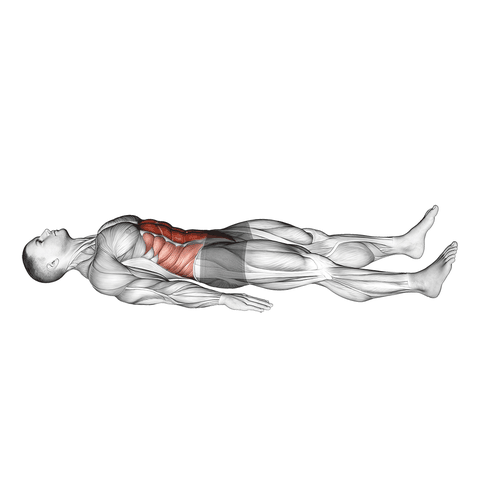 Quarter Sit-upAbs · Body weight
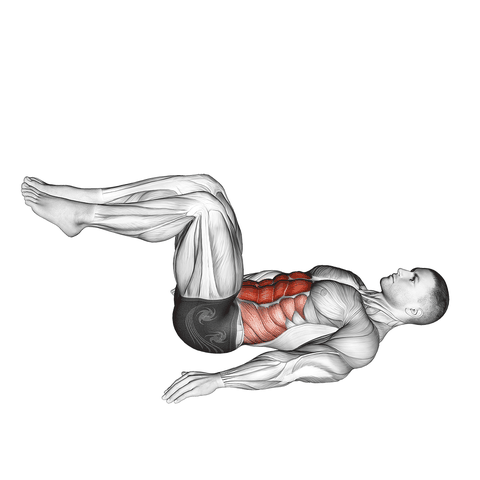 Reverse CrunchAbs · Body weight
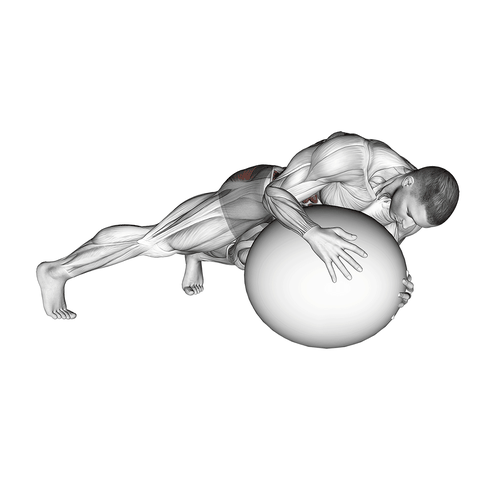 Prone Twist On Stability BallAbs · Stability ball
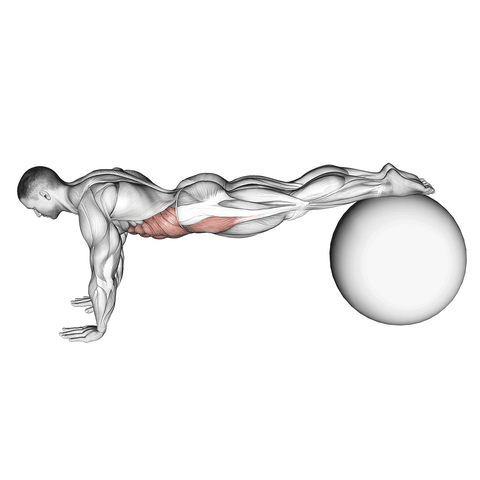 Pull-in (On Stability Ball)Abs · Stability ball
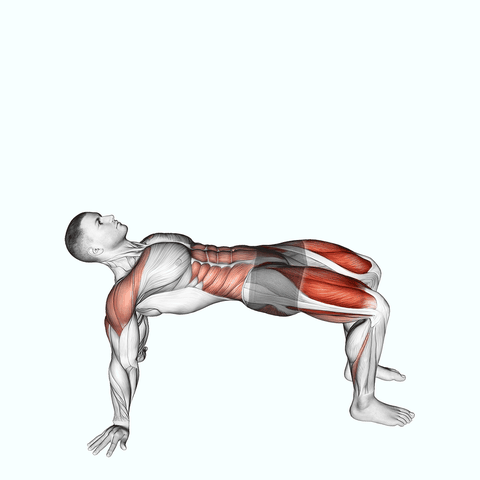 Reverse Plank With Leg LiftAbs · Body weight
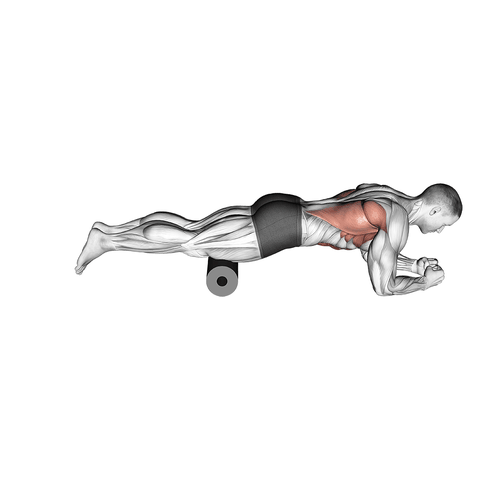 Roller Body SawAbs · Roller